Why we built e-signatures into the portal instead of bolting one on

E-signatures are generally available in Zapa Client Portals. What shipped, and why signing lives inside the portal instead of in a separate e-sign tool.

September 8, 2026
Written By:
Bryan Stouffer
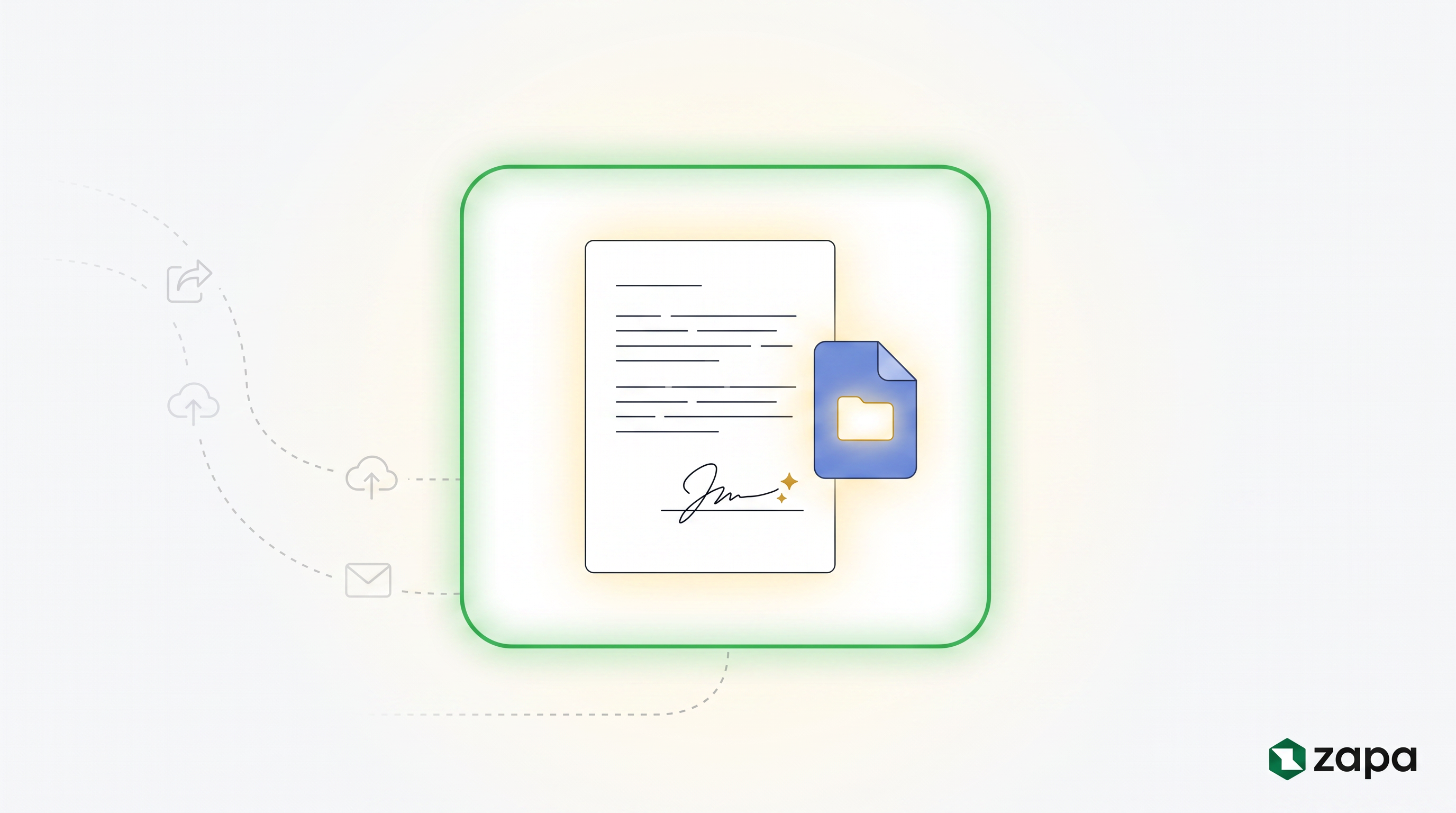
Signed document and file icon inside a glowing portal boundary, with export, upload, and email steps fading away outside it

E-signatures are now generally available in Zapa Client Portals. This post explains what shipped, and why we built signing into the portal itself instead of integrating a separate e-sign product.

The problem with bolted-on signing

Most firms run signatures as a second system. The document lives in one place, the signature happens in another, and the client stands in the gap between them. The firm exports a PDF, uploads it to an e-sign tool, types the client's email address again, and sends the request. The client receives an email from a company they have never heard of and has to decide whether it is safe to click.

For a firm whose clients skew older, that step is where signatures stall. Every additional account, password, and unfamiliar screen costs completions. We had already removed passwords from the portal itself with magic-link login. Sending clients out to a third party signing tool would have put the friction right back.

There is also a filing problem. When signing happens outside the portal, the signed copy comes back as an email attachment, and someone at the firm downloads it, renames it, and re-uploads it to wherever documents actually live. Every signature request creates its own small piece of filing work.

Bolted on: a portal, an e-sign tool, and email passing documents between each other. Built in: request, document, signature, and filed inside one portal boundary

What shipped

Four capabilities are generally available today.

Built-in PDF signing. Signature fields live inside the same viewer clients already use to read documents. A client opens the document in their portal, clicks the field, and signs. There is no second login and no new account, because the signing surface is the portal they are already in.
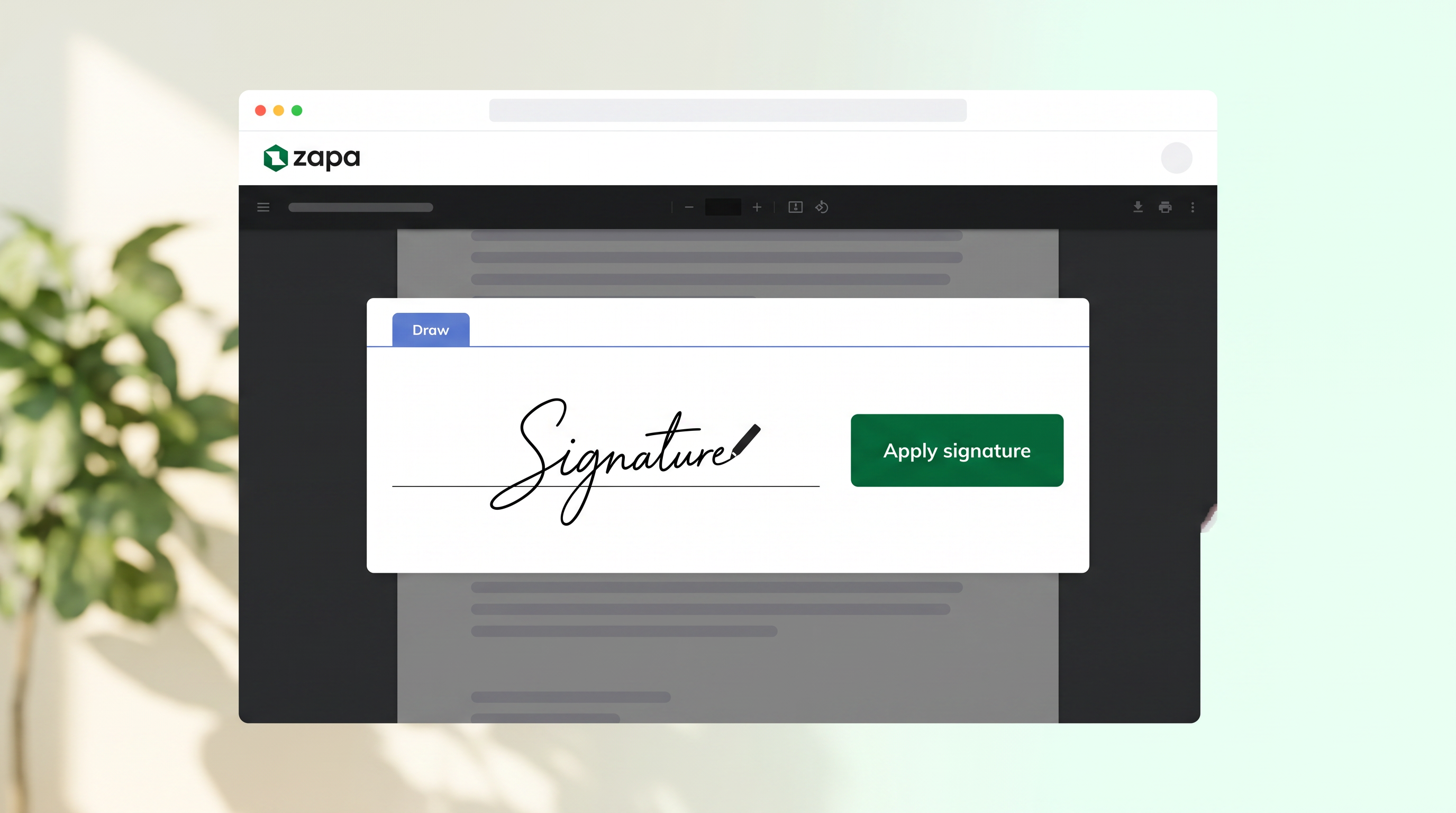
Zapa document viewer with the signature panel open and an Apply signature button

Present File. Some signatures should not wait for an email round trip. Present File lets you share a document during a video call so the client fills it in and signs while you walk them through it, both of you looking at the same page. The signature that used to stall for two weeks happens during the meeting where it came up.

PDF page and form field editing. Reordering pages, filling form fields, and preparing documents now happens inside Zapa, which for many firms replaces the Acrobat license that existed for exactly this.

Portal templates and bulk upload. Set up a portal once and save it as a template. Every new client spins up from it with the folders, document checklist, and engagement paperwork already in place, and bulk upload brings the prior year files in at the same time. Onboarding a new client becomes one pass instead of an afternoon of assembly.

The design decision underneath

The rule we kept coming back to is that the document should never leave the place the client already trusts. Everything above is that one rule applied four times.

It also means the paperwork closes itself. When a client signs, the signed copy files itself against the request that asked for it. Nobody downloads an attachment, nobody renames a file, and the record of who signed what lives with the document instead of in a separate system.
Pull quote: the signed copy files itself against the request that asked for it

What it means for a firm

A signature request now looks exactly like a document request, which your clients already know how to complete. Firms that use Zapa for document collection do not have to teach clients anything new to start collecting signatures.

Zapa Client Portals is one flat price with unlimited team members and no per-seat fees.

You can experience the client side of the portal, including signing, through the guest test drive at app.zapaportal.com/demo. Plans and a free trial are at zapaclientportal.com.

Header green dot shapeHeader green dot shape

Ready to dive in?
Request your free trial today.

Simple and Fast Client File Sharing.

arrow up icon

Why we built e-signatures into the portal instead of bolting one on

Company News

E-signatures are generally available in Zapa Client Portals. What shipped, and why signing lives inside the portal instead of in a separate e-sign tool.

Post by
Bryan Stouffer
Publish Date:
September 8, 2026
Signed document and file icon inside a glowing portal boundary, with export, upload, and email steps fading away outside it

E-signatures are now generally available in Zapa Client Portals. This post explains what shipped, and why we built signing into the portal itself instead of integrating a separate e-sign product.

The problem with bolted-on signing

Most firms run signatures as a second system. The document lives in one place, the signature happens in another, and the client stands in the gap between them. The firm exports a PDF, uploads it to an e-sign tool, types the client's email address again, and sends the request. The client receives an email from a company they have never heard of and has to decide whether it is safe to click.

For a firm whose clients skew older, that step is where signatures stall. Every additional account, password, and unfamiliar screen costs completions. We had already removed passwords from the portal itself with magic-link login. Sending clients out to a third party signing tool would have put the friction right back.

There is also a filing problem. When signing happens outside the portal, the signed copy comes back as an email attachment, and someone at the firm downloads it, renames it, and re-uploads it to wherever documents actually live. Every signature request creates its own small piece of filing work.

Bolted on: a portal, an e-sign tool, and email passing documents between each other. Built in: request, document, signature, and filed inside one portal boundary

What shipped

Four capabilities are generally available today.

Built-in PDF signing. Signature fields live inside the same viewer clients already use to read documents. A client opens the document in their portal, clicks the field, and signs. There is no second login and no new account, because the signing surface is the portal they are already in.

Zapa document viewer with the signature panel open and an Apply signature button

Present File. Some signatures should not wait for an email round trip. Present File lets you share a document during a video call so the client fills it in and signs while you walk them through it, both of you looking at the same page. The signature that used to stall for two weeks happens during the meeting where it came up.

PDF page and form field editing. Reordering pages, filling form fields, and preparing documents now happens inside Zapa, which for many firms replaces the Acrobat license that existed for exactly this.

Portal templates and bulk upload. Set up a portal once and save it as a template. Every new client spins up from it with the folders, document checklist, and engagement paperwork already in place, and bulk upload brings the prior year files in at the same time. Onboarding a new client becomes one pass instead of an afternoon of assembly.

The design decision underneath

The rule we kept coming back to is that the document should never leave the place the client already trusts. Everything above is that one rule applied four times.

It also means the paperwork closes itself. When a client signs, the signed copy files itself against the request that asked for it. Nobody downloads an attachment, nobody renames a file, and the record of who signed what lives with the document instead of in a separate system.

Pull quote: the signed copy files itself against the request that asked for it

What it means for a firm

A signature request now looks exactly like a document request, which your clients already know how to complete. Firms that use Zapa for document collection do not have to teach clients anything new to start collecting signatures.

Zapa Client Portals is one flat price with unlimited team members and no per-seat fees.

You can experience the client side of the portal, including signing, through the guest test drive at app.zapaportal.com/demo. Plans and a free trial are at zapaclientportal.com.

Bryan Stouffer is a software architect who has spent his career in the Healthcare and Legal field. His passion for software comes from his desire to see professionals accelerated by computers, not hindered.